
PDF Security Editor

This security utility app allows you to safely encrypt (set passwords) and decrypt (remove protection) PDF files using only your iPhone or iPad. All processing is completed within the device, so you can manage sensitive information securely without sending files to external servers.
Key Features
Section titled “Key Features”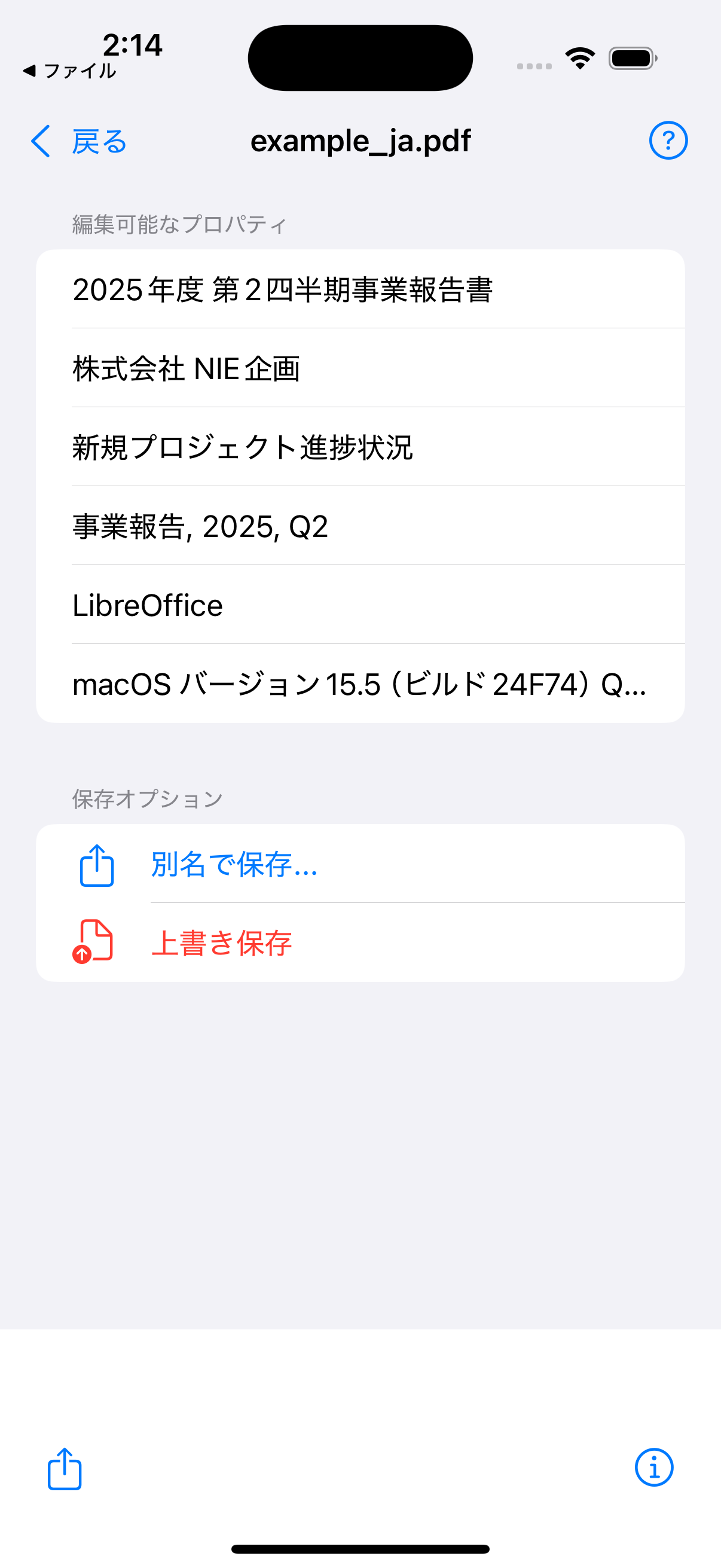
Easy Password Setting (Encryption)
Set passwords on important PDF files to encrypt them. The entered password can be confirmed with a visibility button, allowing you to protect files reliably while preventing input errors.
Smooth Password Removal
Load password-protected PDF files and enter the correct password to remove protection. Save as a new file without a password.
Reliable Fully Offline Processing
All processes from file loading to saving are performed on the device. Files are not uploaded to internet servers, ensuring privacy and security.
Privacy Policy
Section titled “Privacy Policy”Last Updated: April 3, 2026
This application uses “Google AdMob,” an advertising service provided by Google LLC. The ads displayed in this app are limited to “non-personalized ads” (NPA), which are not based on user interests. In the course of serving these ads, Google AdMob may automatically collect non-personally identifiable information for purposes such as tracking ad impressions and preventing fraudulent activity. For details on the information collected, its use, and Google’s advertising mechanisms, please review Google’s policy:
How Google uses information from sites or apps that use our services
Changes to This Privacy Policy
Section titled “Changes to This Privacy Policy”We may revise this policy as required by law or business needs. Significant changes will be announced on this website.
The original of this Policy is in English. Any translation is provided for your convenience, and the English version shall prevail in case of any conflicts or discrepancies.
Terms of Service
Section titled “Terms of Service”Effective Date: April 3, 2026
These Terms of Service (these “Terms”) govern the use of the “PDF Security Editor” application (the “App”) provided by NIE Software (“we,” “us,” or “our”). All individuals who use the App (the “User”) are deemed to have agreed to these Terms.
Article 1 (Prohibited Acts)
Section titled “Article 1 (Prohibited Acts)”Users shall not engage in the following acts when using the App:
-
Acts that violate laws or that encourage or promote such violations.
-
Acts of reverse-compiling, reverse-engineering, or otherwise improperly analyzing the App.
-
Acts that infringe upon our intellectual property rights, including the copyrights of the App.
-
Any other acts that we deem inappropriate.
Article 2 (Disclaimer)
Section titled “Article 2 (Disclaimer)”-
We do not warrant, either expressly or implicitly, that the App is free from defects (including, but not limited to, defects related to safety, reliability, accuracy, completeness, validity, fitness for a particular purpose, security, errors, or bugs).
-
We shall not be liable for any damages incurred by the User arising from the use of the App (including, but not limited to, loss or corruption of data). Please ensure you back up important files before use.
-
We assume no responsibility for the content of websites or services accessed through advertisements displayed within the App.
Article 3 (Changes to the Terms)
Section titled “Article 3 (Changes to the Terms)”We may change these Terms at any time at our discretion. The revised Terms shall become effective once they are posted on the App’s official website.
Article 4 (Governing Law and Jurisdiction)
Section titled “Article 4 (Governing Law and Jurisdiction)”These Terms shall be governed by the laws of Japan. Any and all disputes arising out of or in connection with these Terms shall be submitted to the exclusive jurisdiction of the Osaka District Court in the first instance.
The original of these Terms is in English. Any translation is provided for your convenience, and the English version shall prevail in case of any conflicts or discrepancies.